Remote Collaboration Unleashed: Maximizing Efficiency with Virtual Assistance

In an era where remote work has become the norm, the demand for efficient collaboration tools and strategies has never been higher. Enter virtual assistance, a powerful ally in the realm of remote collaboration. In this blog, we’ll explore how businesses can maximize efficiency through the integration of virtual assistants, transforming the challenges of remote collaboration into opportunities for streamlined workflows and enhanced productivity.
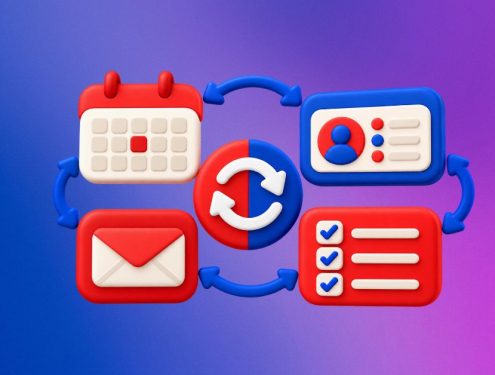
Virtual assistants excel at task coordination, ensuring that team members are on the same page regardless of their physical locations. From scheduling meetings to assigning action items, virtual assistants streamline collaboration by centralizing task management in a digital environment.
Say goodbye to endless email threads for scheduling meetings. Virtual assistants equipped with AI capabilities can analyze participants’ calendars and propose optimal meeting times. This automation minimizes the back-and-forth communication, allowing teams to focus on the substance of the meetings.
Whether it’s sending messages, coordinating video calls, or managing email communication, virtual assistants enhance real-time communication. They become the central hub for team interactions, ensuring that messages are conveyed promptly and important information is readily accessible.
Virtual assistants play a crucial role in document management and collaboration. They can organize files, create shared folders, and even assist in document editing and version control. This ensures that team members can collaborate seamlessly on projects with easy access to shared resources.
During virtual meetings, virtual assistants shine as invaluable collaborators. They can manage meeting agendas, take notes, and even assist in the facilitation of discussions. This allows team members to remain fully engaged in the meeting without the distraction of administrative tasks.
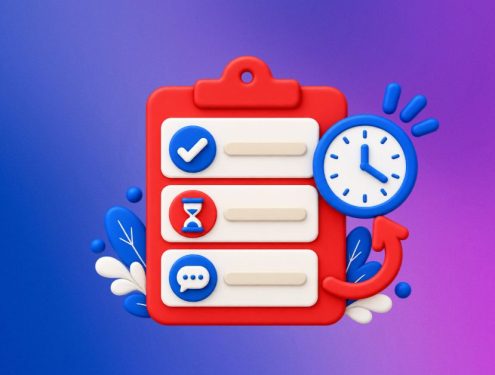
Keeping track of tasks and deadlines is made effortless with virtual assistants. They can send reminders, set deadlines, and follow up on task progress. This proactive approach ensures that no task falls through the cracks, contributing to a more organized and efficient workflow.
For teams spread across different time zones, virtual assistants equipped with world-clock capabilities are indispensable. They can coordinate schedules, propose suitable meeting times, and help team members navigate time zone differences, fostering global collaboration without the hassle.
Virtual assistants prioritize data security and compliance, ensuring that sensitive information is handled with the utmost care. By implementing secure communication channels and adhering to data protection protocols, virtual assistants contribute to a secure remote collaboration environment.
Virtual assistants are highly adaptable to the unique workflows of each team. They can be customized to integrate with project management tools, communication platforms, and other software, creating a cohesive and interconnected digital workspace tailored to the team’s needs.
Virtual assistants are revolutionizing remote collaboration by enhancing efficiency and productivity. They streamline communication, organize workflows, and enhance teamwork, making strategic integration essential for businesses to navigate the evolving remote work landscape.
#RemoteCollaboration
#VirtualAssistants
#EfficientWorkflows
#DigitalCollaboration
#TaskCoordination
#VirtualMeetingSupport
#RemoteTeamwork
#ProductivityTools
#AutomationInCollaboration
#DigitalWorkspace
#TaskAutomation